Memory
emma's Long-term Memory System
emma remembers your client relationships, project context, team preferences, and business nuances. On your next conversation, it automatically recalls this information to provide more relevant and personalized support.
How to use @memo
Use the @memo command in the Playground to automatically capture and store important information from your conversations. Click on each memory event to see what was remembered and how it evolved.
Memory Categories
Timeless Memories
Information with persistent value
- •Identity: Roles, organizations, expertise (e.g., AI Researcher, Python expert)
- •Preference: Communication styles, tool preferences (e.g., prefers concise answers)
- •Relationship: Relationships between entities, workflows
Time-bound Memories
Only stored with timestamps when user explicitly says 'remember this'
Memory Management
From emma's Memories page, you can centrally manage all created memories. All memories are fully viewable, and can be edited or deleted as needed. This allows you to keep emma's learning under complete control.
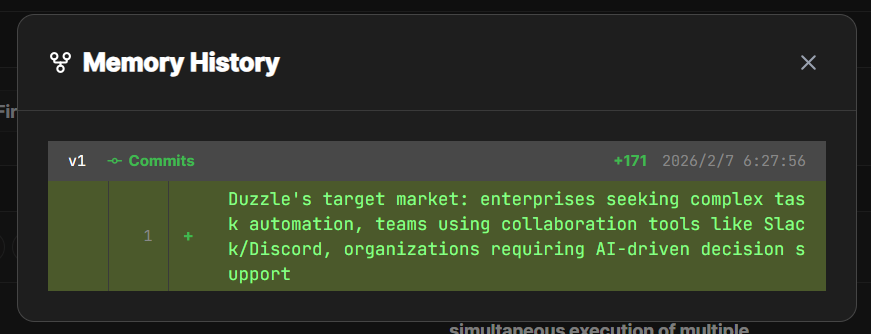
Viewable
On the Memories page, you can see all information that emma has remembered. You have complete visibility into what was remembered and when.
Editable
You can edit memory content or delete unnecessary memories. Keep emma's learning in optimal condition at all times.